iPhone & Android · LED banner and scrolling sign
Your phone, as an LED sign
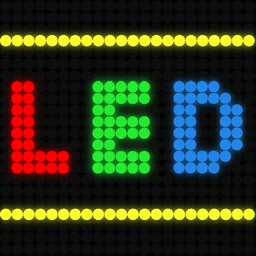
LED Scroller turns your phone into a scrolling LED banner. Type a message, pick the colours, set the speed, and hold it up — at a concert, an arrivals gate, a birthday or a game. Export it as a GIF to share.
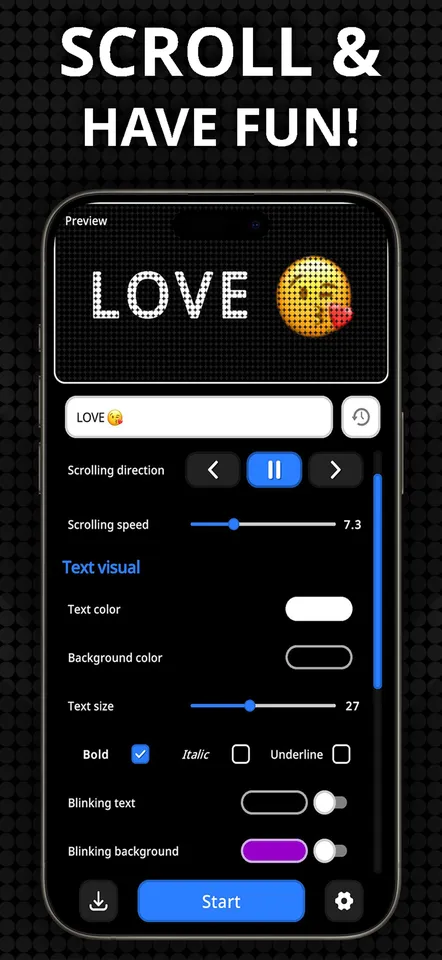
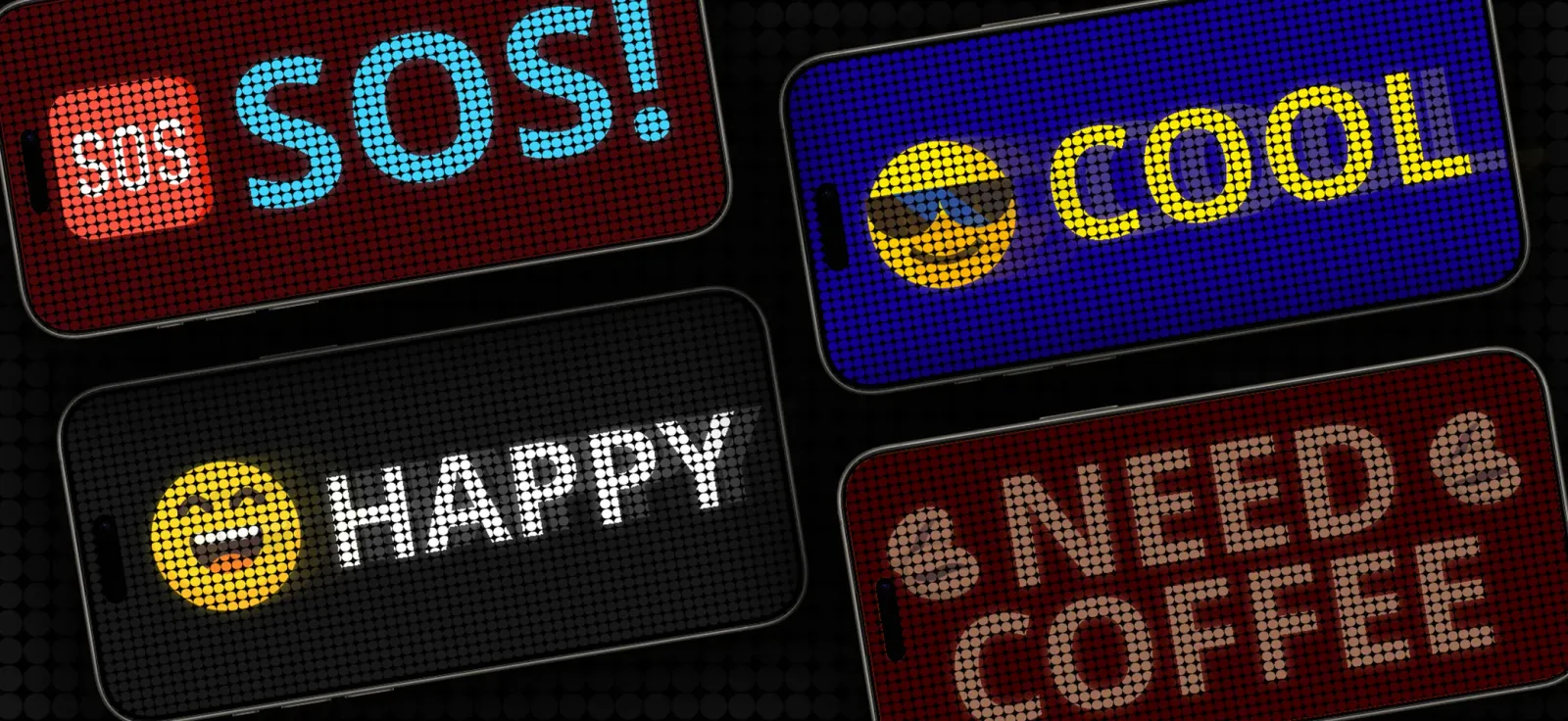
Everything about the message is yours to set
Type it, including emoji
Any text, in any language the font covers, with emoji mixed in. The panel renders them as lit dots like everything else.
Colours, foreground and back
Pick the text colour and the background colour separately, or drop a photo behind the text instead of a flat colour.
Speed and direction
Scroll left, right, or hold it still. Set exactly how fast it moves, and pause it mid-message when someone is trying to read it.
Blinking, on both layers
Blink the text, blink the background, or both — each with its own rate. This is what makes a sign catch someone's eye across a room.
Size, borders and styles
Scale the text to fill the panel, add a border in any colour and thickness, and set bold, italic or underline.
Flash the flashlight with it
The phone's torch can blink in time with the banner, which turns a screen-sized sign into something visible much further away.
Export it as a GIF
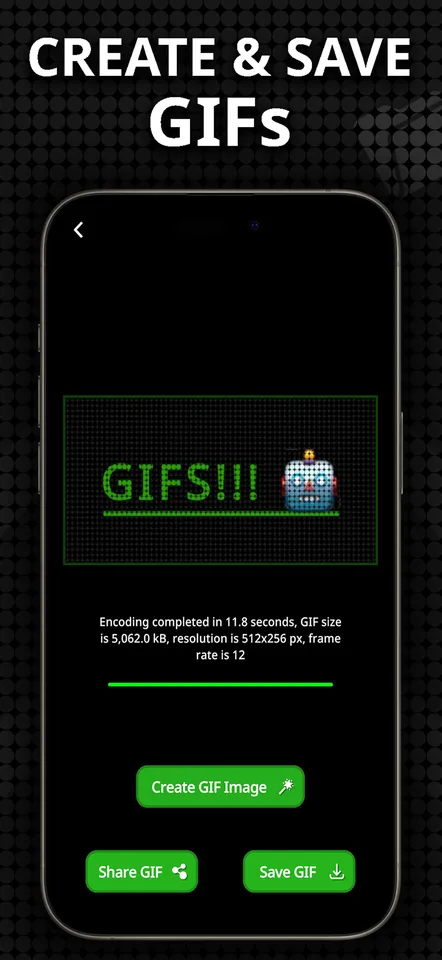
Render any banner you have made to an animated GIF and share it or save it. The message works in a chat as well as in your hand.
History of what you have made
Every message you have shown is kept in the history tab, so the sign you made last season is one tap away next time.
25+ languages
The app itself is translated into more than 25 languages, and the banner renders every symbol the fonts contain.
Where people actually use it
A phone is already the brightest thing most people are carrying. This just makes it say something.
At a concert
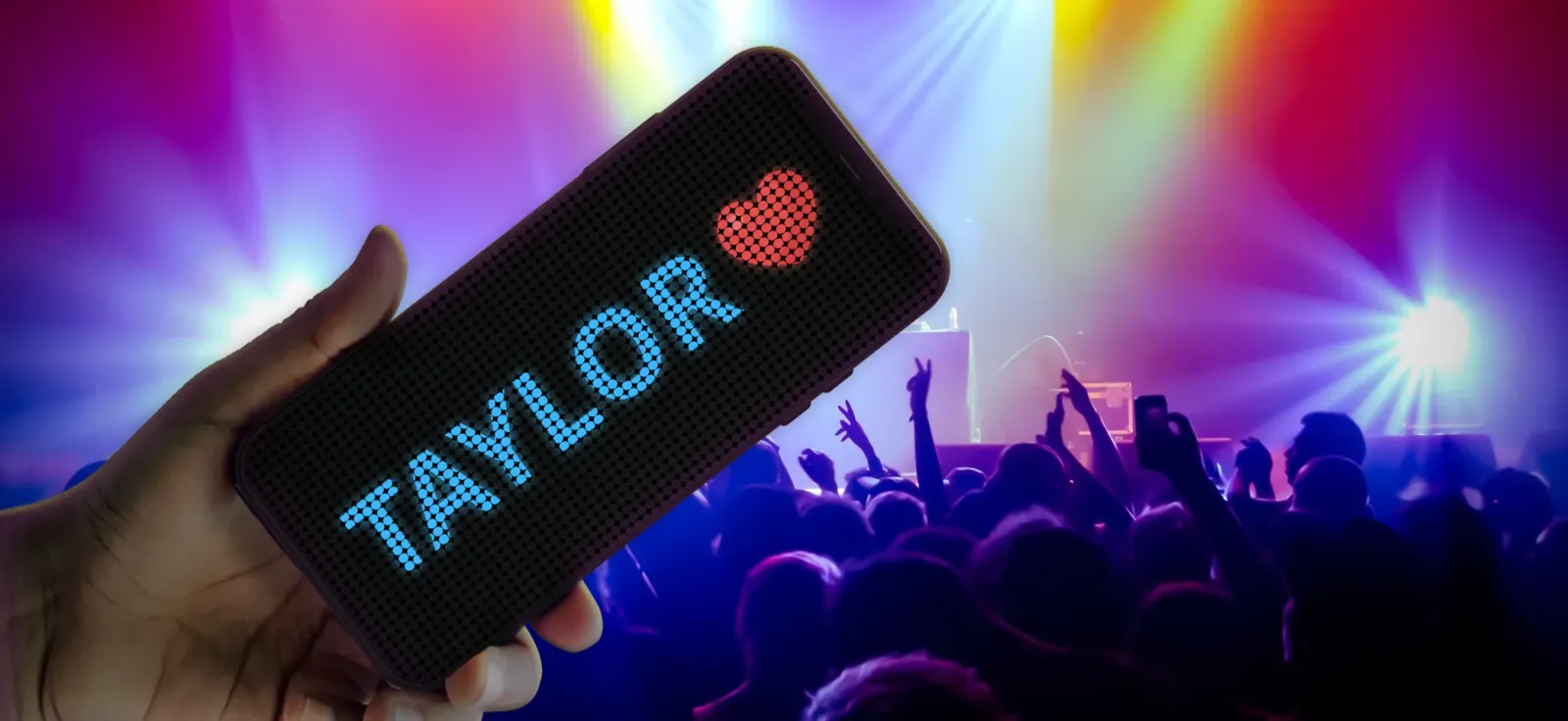
Hold up your favourite artist's name where they can actually read it from the stage.
At the airport
A pickup sign that doesn't need a printer, and is readable across an arrivals hall.
At a game
Your team, your player, your chant — bright enough to show up in the crowd shots.
A birthday
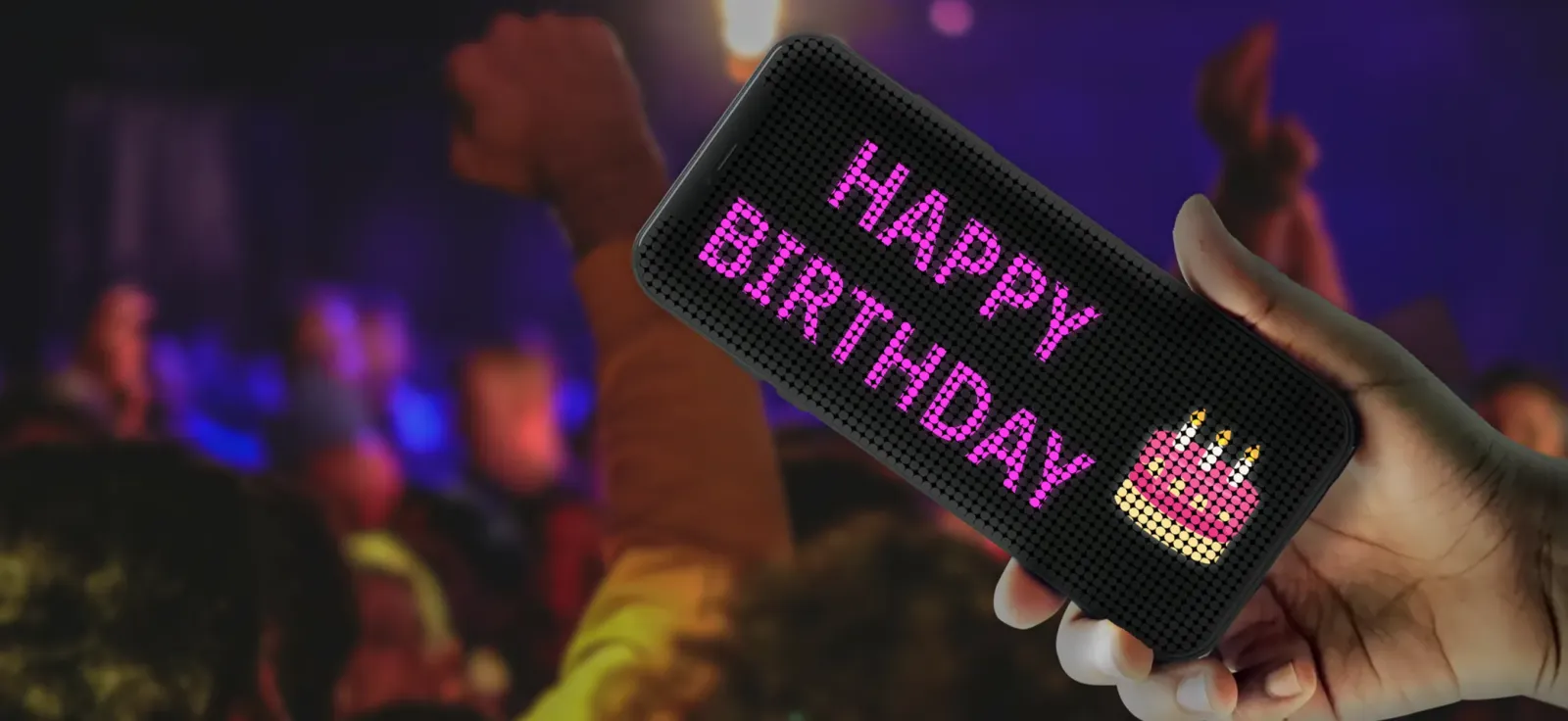
Walk in with HAPPY BIRTHDAY scrolling instead of shouting it.
Behind the counter
OPEN, BACK IN 5, TODAY ONLY. A sign you can change in three seconds.
In a photo
A real light source in frame, in whatever colour the shot needs.
Making one
- Type the message. Short is better — a sign is read at a glance, not studied.
- Set the text and background colours. High contrast carries furthest; white on black is hard to beat.
- Choose a speed. Slow enough to read the whole message before it leaves the screen.
- Turn on blinking or the flashlight if you need it seen from further away, and hold it up.
Free to use. An optional premium subscription unlocks the full feature set — $2.99 a month, $9.99 a year, or $19.99 once for lifetime access.